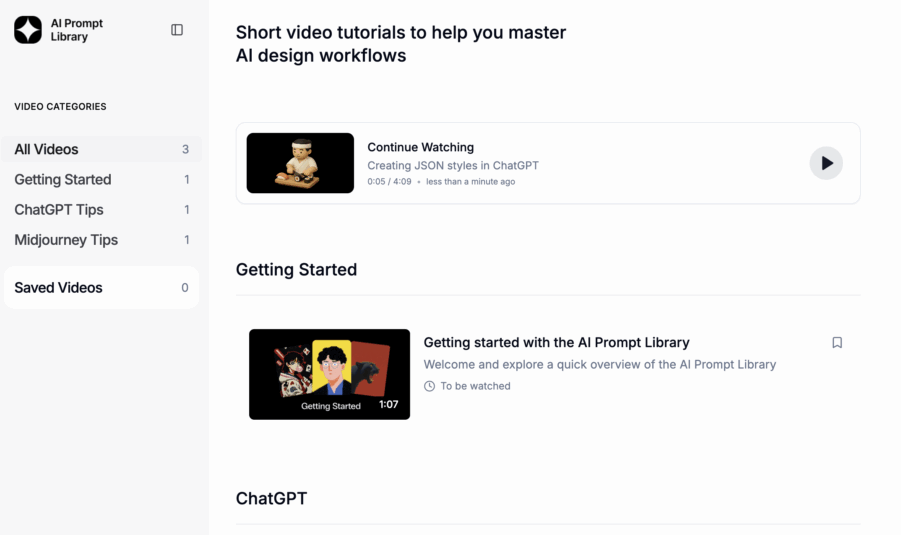
How do you get consistent style across AI images? This is how.
Start with a reference image – in this case a style reference from the AI Prompt Library or grab the image below. Drop it straight into your Midjourney prompt bar with a simple text prompt like „model editorial“
For outputs to have your own distinctive eye – what I call your creative fingerprint – make sure Midjourney personalisation is set up by ranking images first.This style reference or SREF is where the gold lies.
This is where consistency starts to happen.

Instead of generating from scratch every time and hoping for the best, you’re giving the model a visual anchor. Something to hold onto. Something that shapes the mood, lighting, tone, styling, and overall feel of the outputs.
From there, generate at least 4 sets as your first draft. That gives you 16 images to work with.
At the start, volume is useful.
Some will miss. Some will surprise you. That’s normal.
The goal in this first round is not perfection. It’s exploration.

Once you have a good visual base, then you can start refining. Push the stronger frames further. Adjust the prompt. Change the subject. Tighten the composition.
Now use variance in your text prompt to get specific – while keeping the same color, lighting and tone. That consistency comes from your style reference and the sets you’ve been building.
For example: Model editorial, extreme close up, lots of feathers falling, long gold earring, depth of field Lead with visual references first. Layer in the details after.

When I need more scenes or angles of a specific shot, I move from Midjourney to Flora and use Nano Banana. Drop in a base image from your set and paste it onto the Flora canvas and prompt: More angles of this model and shot. It keeps full character and image coherence while expanding your set. Go wide first. Let visuals lead. Refine with text after.
That’s how you start building consistency without killing the creativity.

You’re not just prompting for images.
You’re art directing a system.
And only for this community – here’s the full Figma image set from this collection.
Master Class Tutorials & Prompts
Nguyen Lee
https://aiprompt.process-masterclass.com/tutorials
https://aiprompt.process-masterclass.com/prompts?ck_subscriber_id=896302835#images